AI invoice scan
Snap the invoice. Your prices update themselves.
Take a photo of a delivery invoice. BrigadeKit reads every line, matches it to your ingredients and shows what changed before anything is saved. You approve; every affected recipe re-costs.
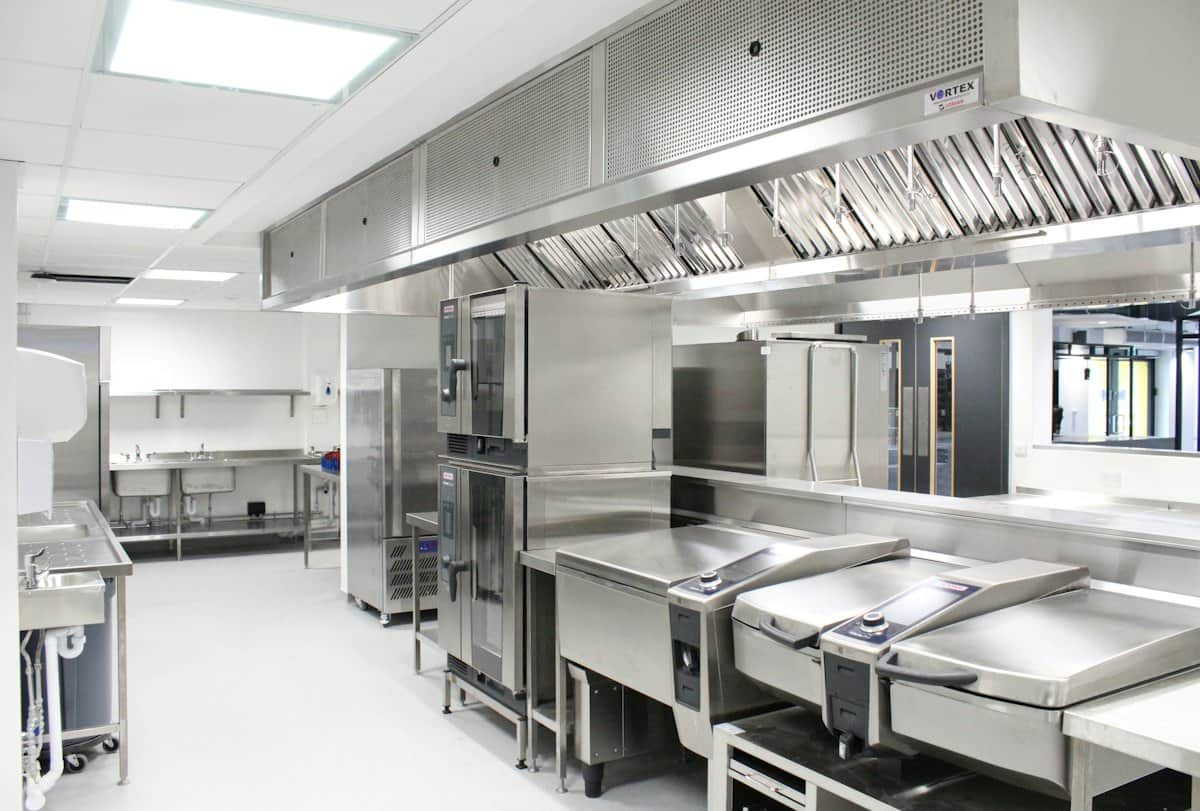 Photo: Ceba Solutions / Unsplash
Every line, matched
Line items are matched to your ingredients, with the raw text and a confidence score next to each one.
Nothing changes without you
Low-confidence lines are flagged and unticked. Prices only update when you press Apply.
Margins update instantly
Applying prices re-costs every affected recipe and shows which dishes moved over target.
How it works
- 1
Photograph
The paper invoice, or upload the PDF from your email.
- 2
Review
Check matches and old → new prices, line by line.
- 3
Apply
Approve the lines you trust.
- 4
Act
See dishes that crossed target and the price that fixes them.
Free tools to start with
Questions
How accurate is it?
Each line shows a confidence score and the ingredient it matched. Lines under 75% confidence are flagged for a quick check, and nothing is saved until you approve.
Which invoices does it read?
Photos of printed invoices and PDF invoices. Handwritten notes are harder; those lines are flagged for review.
Is my invoice data private?
Invoices are stored privately in your account and used only to update your prices. See our privacy policy for details.
Cost your menu properly, once.
Free for 14 days. Bring a recent invoice and your top ten dishes.