Recipe costing
Every recipe costed to the cent, and kept that way.
Build recipes from your real ingredients and sub-recipes. BrigadeKit handles yields, trim and unit conversions, then re-costs every dish the moment a supplier price changes.
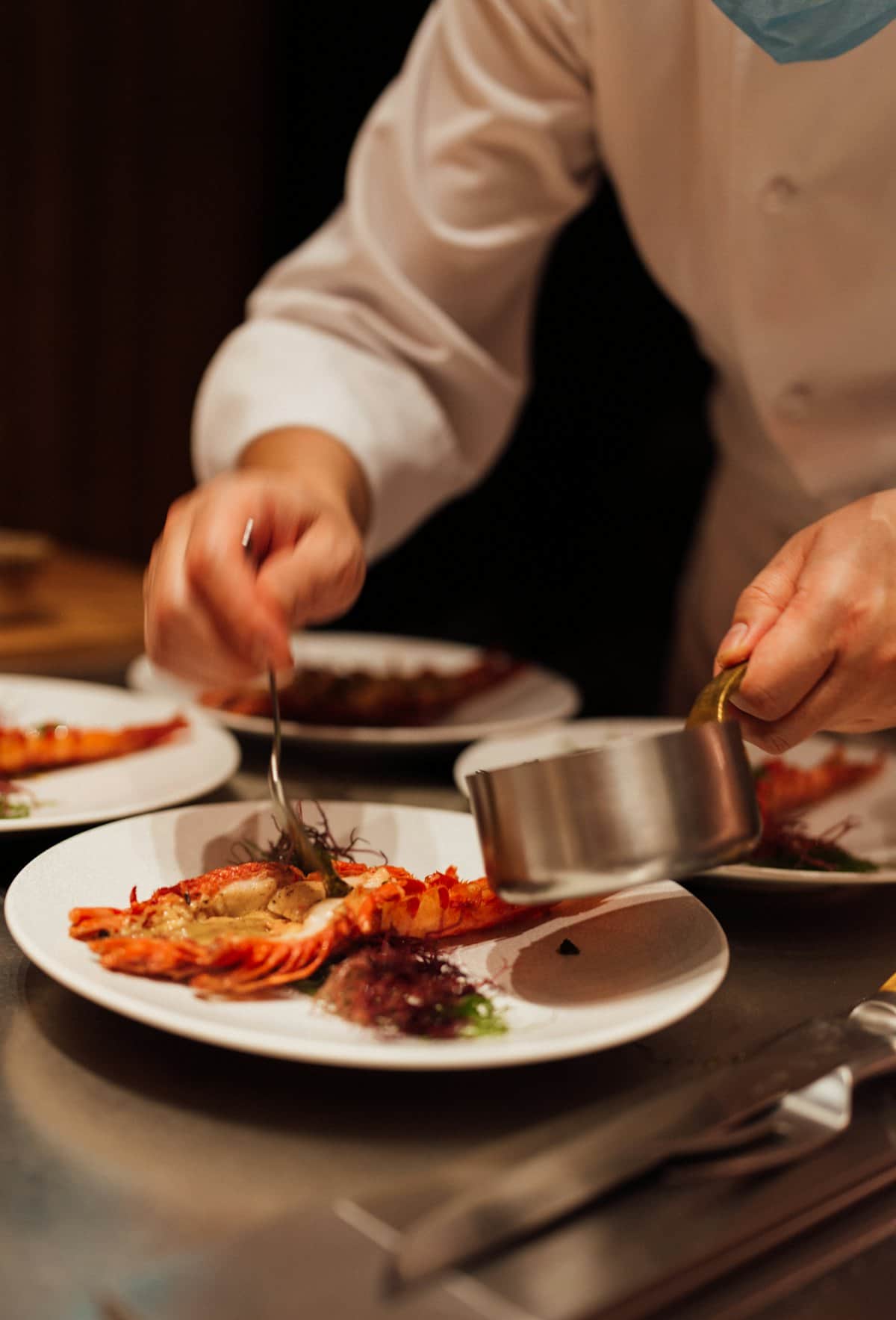 Photo: Lucas Law / Unsplash
Sub-recipes that update everywhere
Cost a veal stock once and use it in ten dishes. Change the price of bones and every dish that uses the stock re-costs.
Yields and conversions built in
Buy by the case, cook by the gram. Yield percentages and unit conversions turn invoice prices into the real cost of what you serve.
Margins you can act on
Food cost % and gross margin per dish, colour-coded against your target, with the menu price that gets you back on target.
How it works
- 1
Import ingredients
From a supplier invoice photo or a CSV, with pack sizes and prices.
- 2
Build recipes
Add ingredients and sub-recipes with quantities, waste and portions.
- 3
Set targets
Choose a target food cost per dish or category.
- 4
Watch margins
Price changes re-cost every affected dish and flag the ones that slipped.
Free tools to start with
Questions
Can I import my existing recipes?
Yes. Start from a CSV of ingredients, then add recipes; early-access kitchens get help with their first import.
Does it handle different units?
Mass, volume and count convert automatically, and you can add custom conversions such as 1 bunch of parsley = 60 g.
What happens when a supplier changes a price?
Every recipe and sub-recipe that uses the ingredient is re-costed, and dishes that crossed your target are flagged with the price that fixes them.
Cost your menu properly, once.
Free for 14 days. Bring a recent invoice and your top ten dishes.